

Overview
If dictations process slowly or the app feels heavy, the tips below cover the areas with the biggest impact. Four factors drive performance:System Resources
Processing power and available memory matter most with local models.
Internet Connection
Cloud processing depends on your connection speed and stability.
Model Selection
Models differ in speed. Switching models is the fastest win.
Processing Type
Voice transcription and AI processing are separate steps with separate costs.
Local vs. cloud models
Local models
Local models run directly on your computer, so your hardware sets the processing speed.1
Tune Voice Model Active Duration
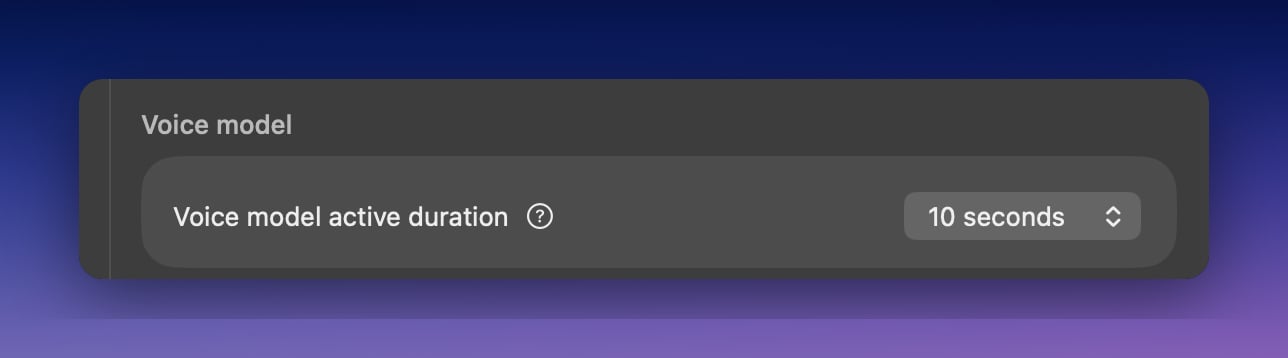
- Settings range from 10 seconds to 1 hour
- Shorter durations free memory but reload the model for each new dictation
- Longer durations keep the model ready but hold more memory
2
Match the model to your hardware
- Local models need free memory; close memory-heavy applications while dictating
- If your machine still struggles, pick a smaller model like Parakeet Multilanguage (494 MB), or switch that mode to a cloud model
Cloud models
Cloud models process your dictation on remote servers, so they’re fast on any hardware. They need a stable internet connection; on a slow or flaky connection, a local model can be quicker.Speed up processing
1
Skip AI processing when you don't need it
Transcription and AI processing are separate steps. The Voice to Text mode skips AI processing entirely and gives the fastest results when you don’t need formatting.
2
Pick a fast model
- Fastest cloud results: S1-Voice
- Fast and local: Parakeet Multilanguage
- Offline and private: any local model
3
Find the slow step in History
Open a dictation in History and compare the voice and AI processing times in the right sidebar. Whichever step is slow, switch that model.