Application
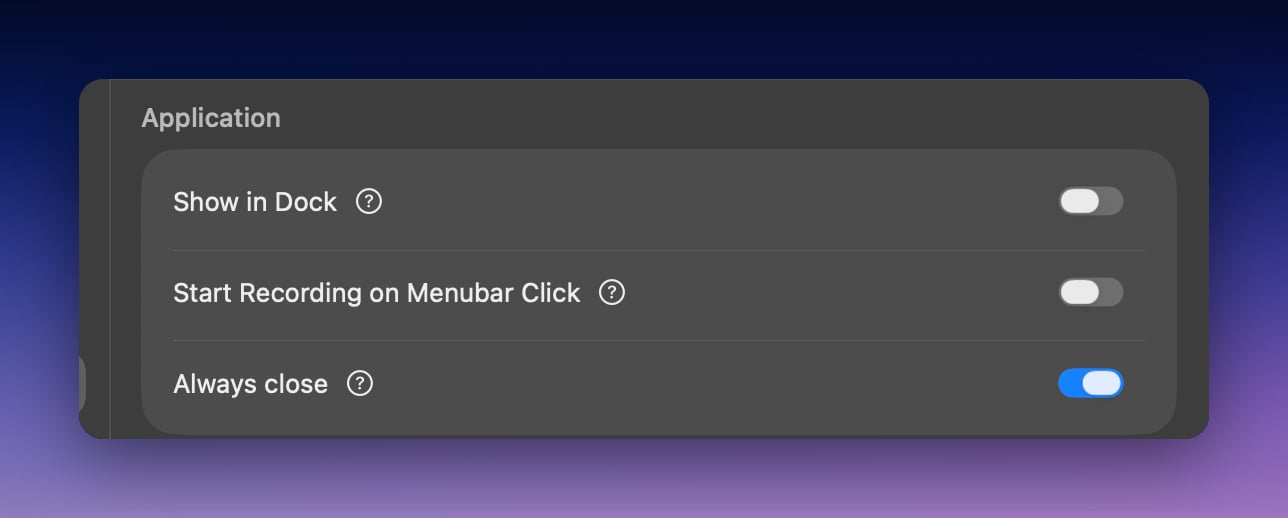
Show in Dock
Controls whether Superwhisper appears in your Dock.Start Recording on Menubar Click
Left-clicking the menu bar icon starts or stops recording. Right-click the icon to open the regular menu.Always close
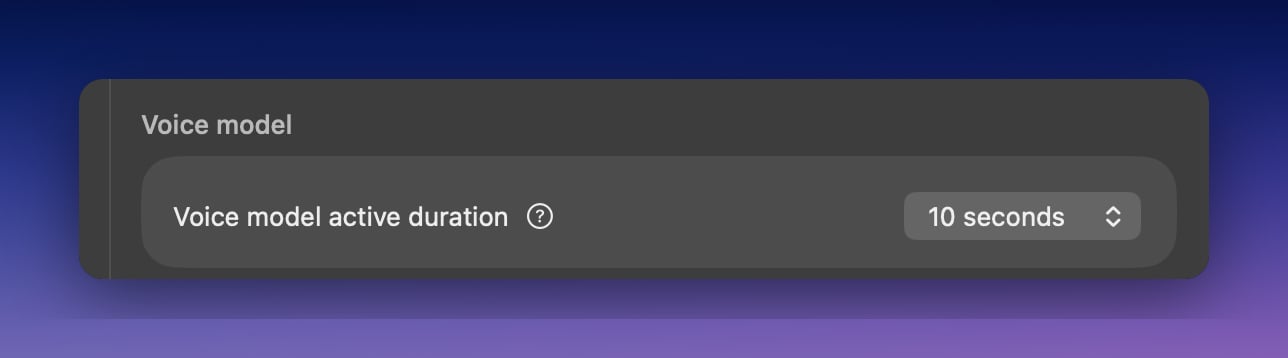
Closes the recording window after every dictation, whether or not the paste succeeded. Your text stays on the clipboard for manual pasting.Voice model
App folder location
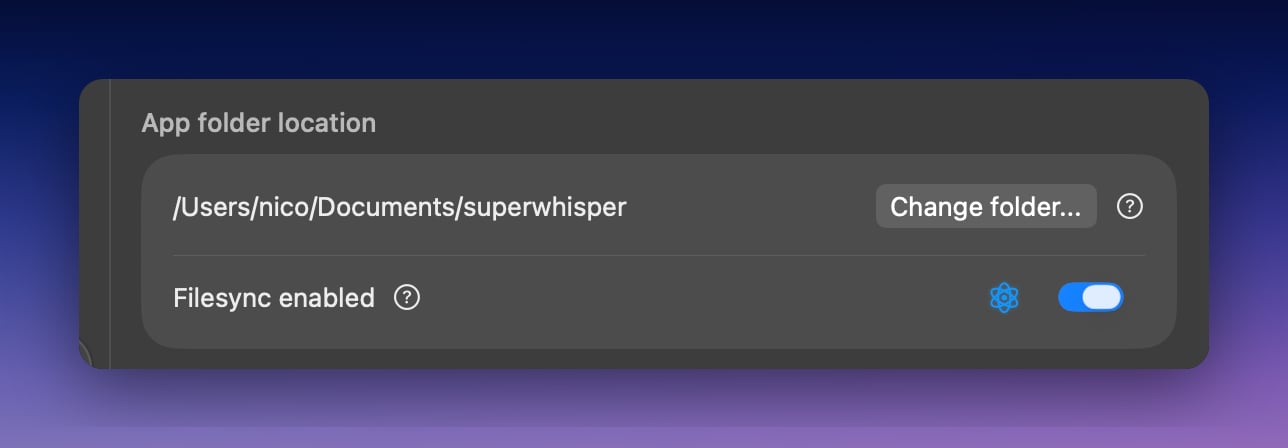
~/superwhisper folder in your home directory by default (older installs may still use ~/Documents/superwhisper). The folder stores your history, custom modes, vocabulary, and text replacements. Back it up to preserve your setup or move it to a new machine. Use Change folder to store it somewhere else.
Superwhisper uses this folder actively during dictation, so keep it locally accessible on your device.
Filesync
Syncs your Superwhisper configuration files across all installations registered under the same license.Text input
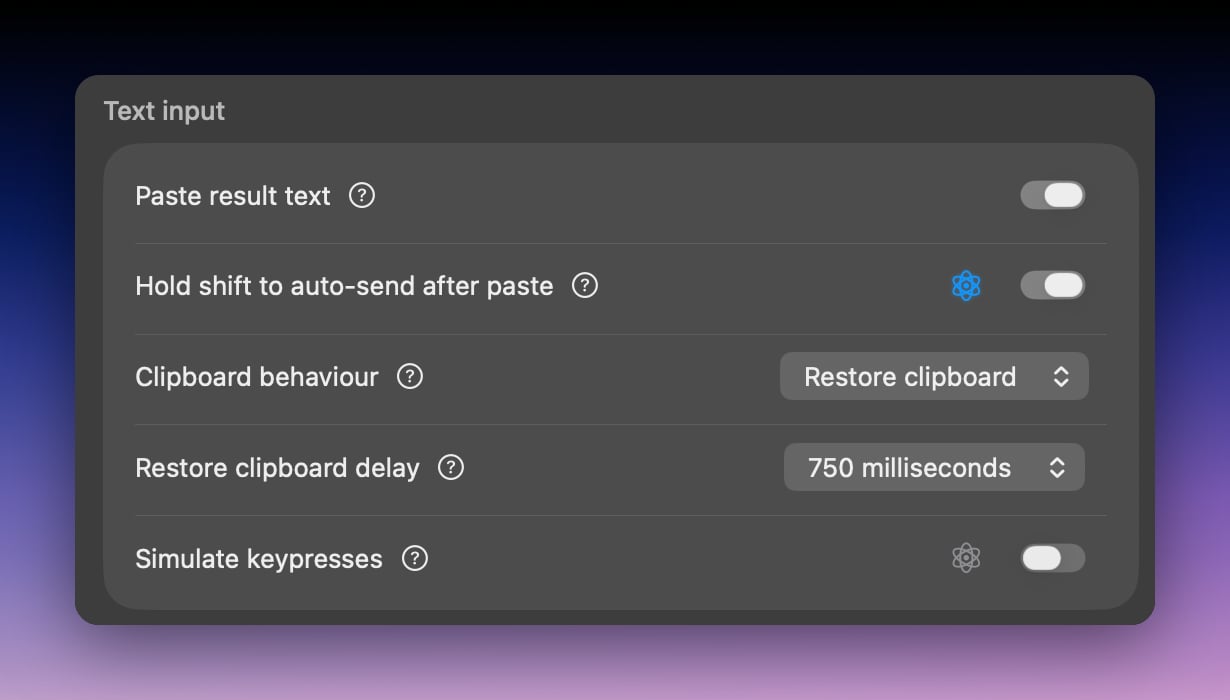
Paste result text
Delivers your result by pasting at the cursor. If you turn it off, Superwhisper still saves results to your clipboard; paste them manually.Hold shift to auto-send after paste
Holding Shift when you finish a dictation simulates pressing Return. Useful for quick messages in chat applications.Clipboard Behaviour
By default, your result replaces whatever was on your clipboard. Set Clipboard behaviour to Restore clipboard to put your previous clipboard content back after pasting. Restore clipboard delay controls how long Superwhisper waits before restoring.Simulate keypresses
An alternative delivery method for applications that block direct pasting, such as secure fields. Superwhisper types the result as individual keystrokes instead.Agent Plugins
Connect Superwhisper to coding agents like Claude Code, Codex, and DeepSeek. See Coding Agents.AI Models