

With the language set to Automatic, non-English dictation sometimes comes out as English text. This happens at the transcription stage, before any AI processing.
Verify it in History, which shows the raw transcription before processing.

Fix 1: set a fixed language

The most reliable fix: edit the mode and set its Language to your language instead of Automatic. A fixed language removes the guesswork. If you dictate in several languages, create one mode per language and switch between them. Use Automatic only when you mix languages inside a single dictation. In that case, use the vocabulary hint below.

Fix 2: the vocabulary hint

If you want to keep Automatic, improve its detection by adding one phrase to your Vocabulary list:
1

Open vocabulary settings

Go to the Vocabulary tab in Superwhisper settings.
2

Add a phrase in your language

Add the phrase “and it can also include words in [LANGUAGE]”, written in your target language. For example, for Spanish add: “y también puede incluir palabras en español”.Superwhisper Vocabulary Hint for Language Detection
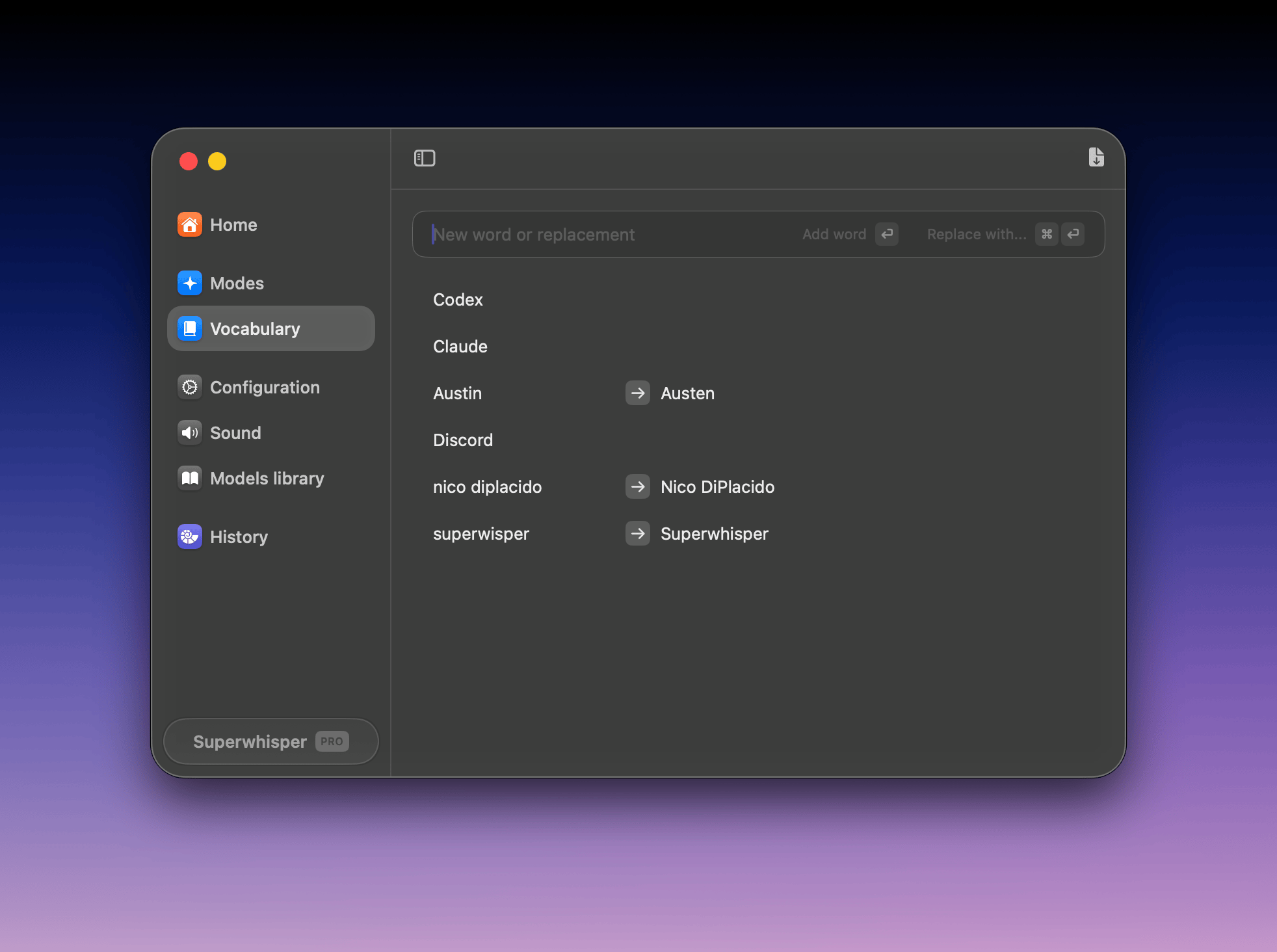
3

Keep the list short

Add a few individual words in your language if needed, but keep the vocabulary list short. A long list can hurt transcription.
With the hint in place, you can switch between languages in a single session without changing settings.

Why this happens

The transcription model receives a guidance prompt with your audio. It improves word recognition and punctuation, but it can also nudge language detection. With Automatic, Superwhisper can’t predict which language you’ll speak, so the model sometimes defaults to English. The vocabulary hint tells it what else to expect.

Model compatibility

The vocabulary hint works with all voice models except Nova and Parakeet, which don’t support multiple languages in the same dictation. Adding the phrase does no harm with those models, but it won’t help either. Use a fixed language instead. For custom modes, you can also add an instruction to preserve the input language in the mode’s AI prompt.